Smart home setup
Matter smart home basics: what works with what
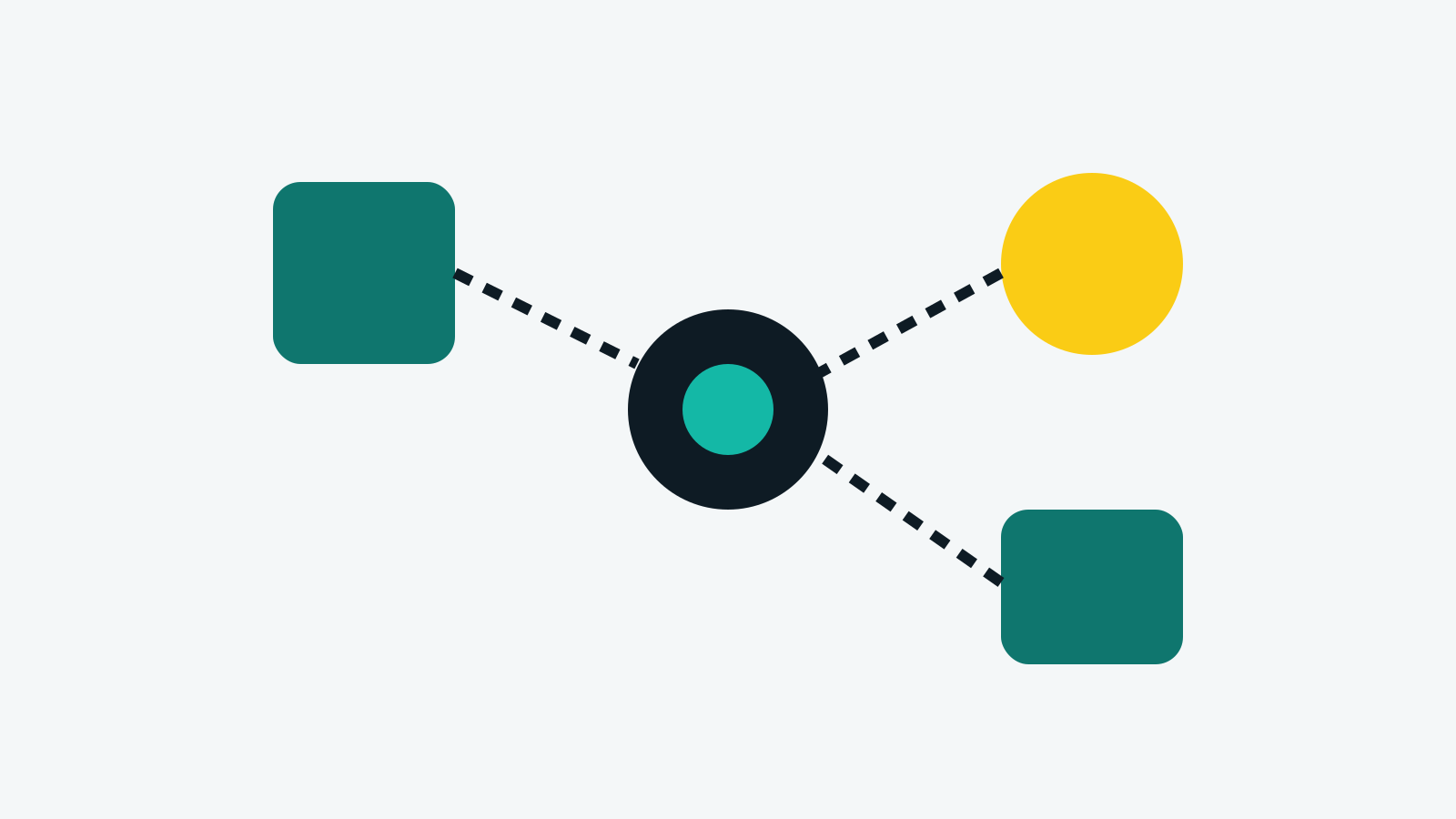
Matter is a shared standard meant to let smart home devices from different brands work together. Seeing the Matter logo on a box is a good sign, but a few details still matter.
What Matter does
A Matter device can be added to Apple Home, Google Home, Amazon Alexa or Samsung SmartThings, and can be shared between them. Basic controls work locally on your network.
Wi-Fi and Thread
Matter devices connect over Wi-Fi, Ethernet or Thread. Thread devices need a Thread border router, which is built into some smart speakers, displays and streaming boxes. Check whether you already own one before buying Thread devices.
Start small
A simple first setup is two smart plugs and a few bulbs in one room. Confirm they appear in your chosen app and respond quickly before expanding.
Checklist before buying
- Matter logo on the box or listing
- Wi-Fi or Thread, and whether you have a border router
- 2.4GHz Wi-Fi support (most smart devices need it)
- Which features need the maker's own app